12Fossil identification from form, texture, and matrix
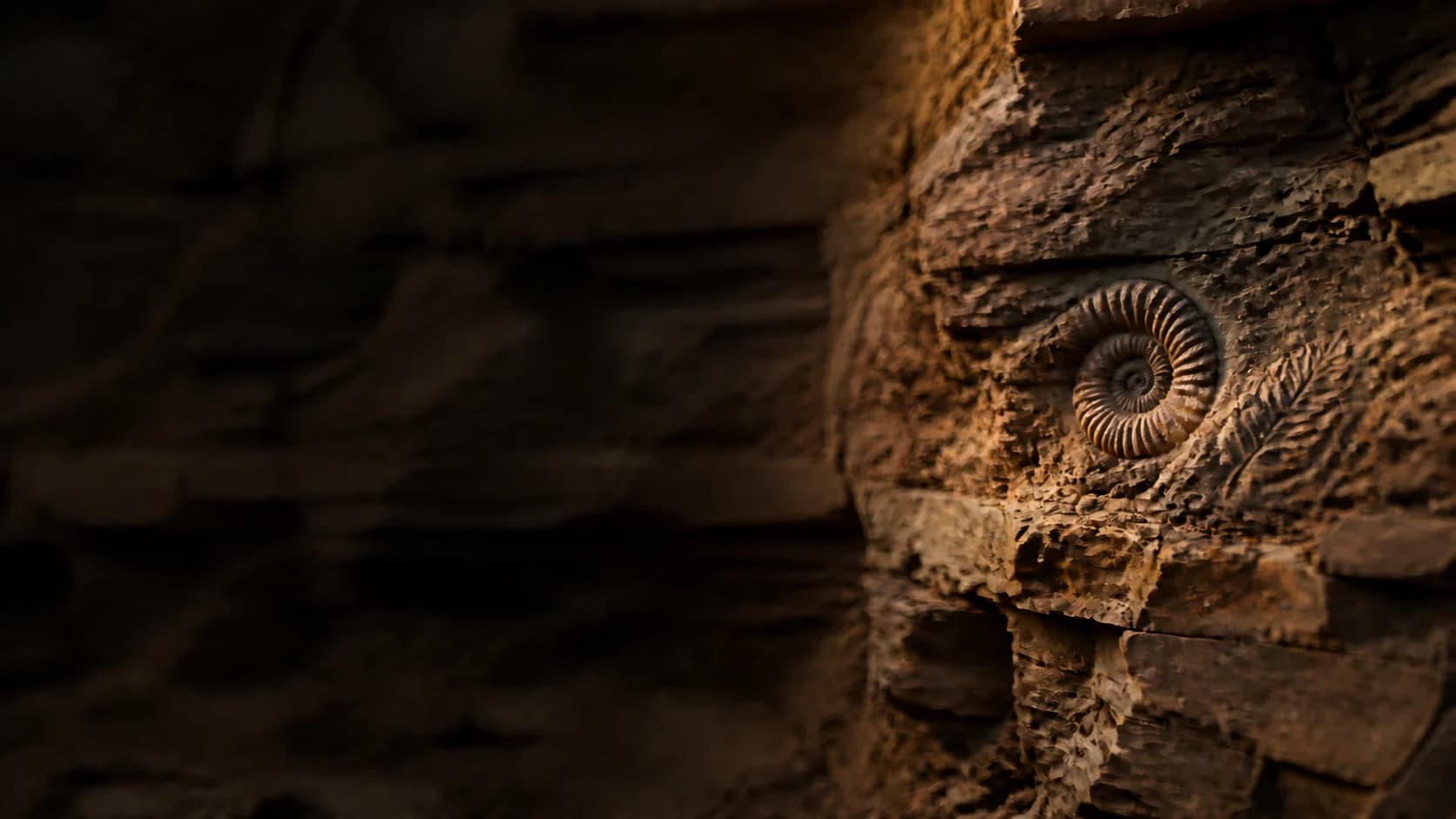
Identify fossils from form and structure.
Photograph the fossil, its matrix, both sides, and a clear scale. With Fossilr, you can compare shape, texture, pattern, symmetry, and geologic context.
- Show
- Fossil + matrix
- Include
- Both sides + scale
- Record
- Known locality
How You Identify Fossils
Take 3 clear steps. Compare the result yourself.
Use clear evidence, then check the visible clues against the likely match.
Photograph the whole piece
Show the fossil and matrix together with scale under raking and even light.
Trace repeated form
Add both sides, edges, segments, ribs, imprints, symmetry, and broken surfaces.
Preserve the context
Keep known locality and collection notes, and follow local fossil collecting rules.
Explore the App
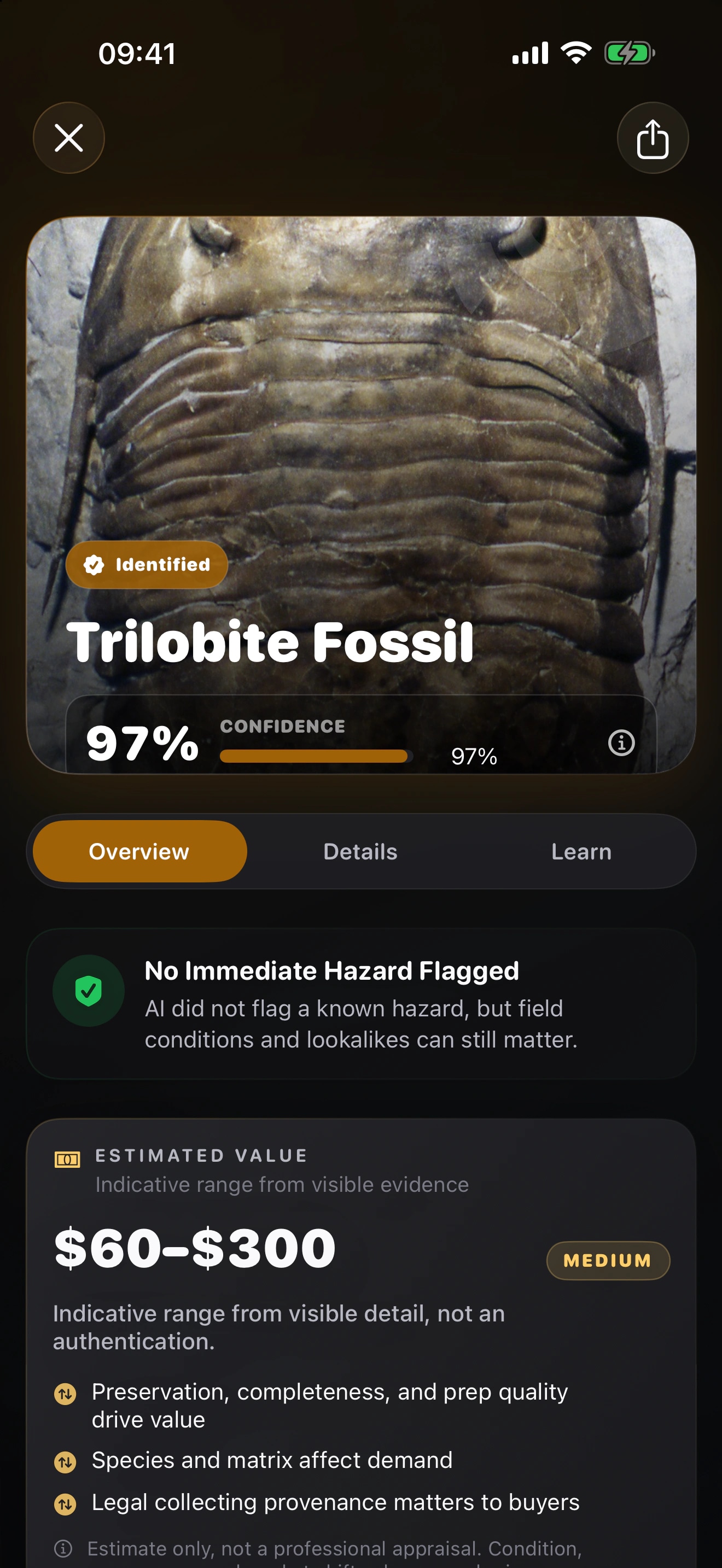
See exactly what you can review in Fossilr AI: Fossil ID.
Choose a screen. Review the match, save your find, compare nearby results, map it, ask a question, or practise.
Protect the Site
Leave the fossil in place when local rules require it.
Do not damage a site for a better photo. Ask a museum, paleontologist, or land manager when legality or scientific importance matters.Fossilr FAQ
Get answers before you identify your next fossil.
01How can I identify a fossil with Fossilr?
Photograph the fossil, its matrix, both sides, and a clear scale. With Fossilr, you can compare shape, texture, pattern, symmetry, and geologic context. Treat the candidate as a starting point and compare the visible evidence before you rely on the name.
Read the full guide02Can I download Fossilr for free?
You can download Fossilr for free. The current App Store description says you need a paid subscription to use its features. Check the listing for current plans before you subscribe.
03What should I photograph for a better fossil identification?
Show the fossil and matrix together with scale under raking and even light. Add both sides, edges, segments, ribs, imprints, symmetry, and broken surfaces. Keep known locality and collection notes, and follow local fossil collecting rules. Keep the original photographs so you can compare the likely candidate with a trusted regional source or qualified expert.
Read the full guide04How much confidence should I place in a Fossilr result?
You won’t find a verified universal accuracy percentage in the current App Store listing. Your framing, lighting, visible details, and location can change the result. Use confidence to judge uncertainty, then compare the visible evidence yourself.
05Can I use Fossilr to appraise, authenticate, grade, or price a fossil?
No. Use Fossilr to organize a likely identification and its visible evidence. Ask a qualified specialist or current market source to handle authentication, professional grading, appraisal, provenance, and sale price.
Ready to Try Fossilr?
Identify your next fossil with Fossilr.
Available on the App StoreDownload FossilrChoose Another Focused Identifier